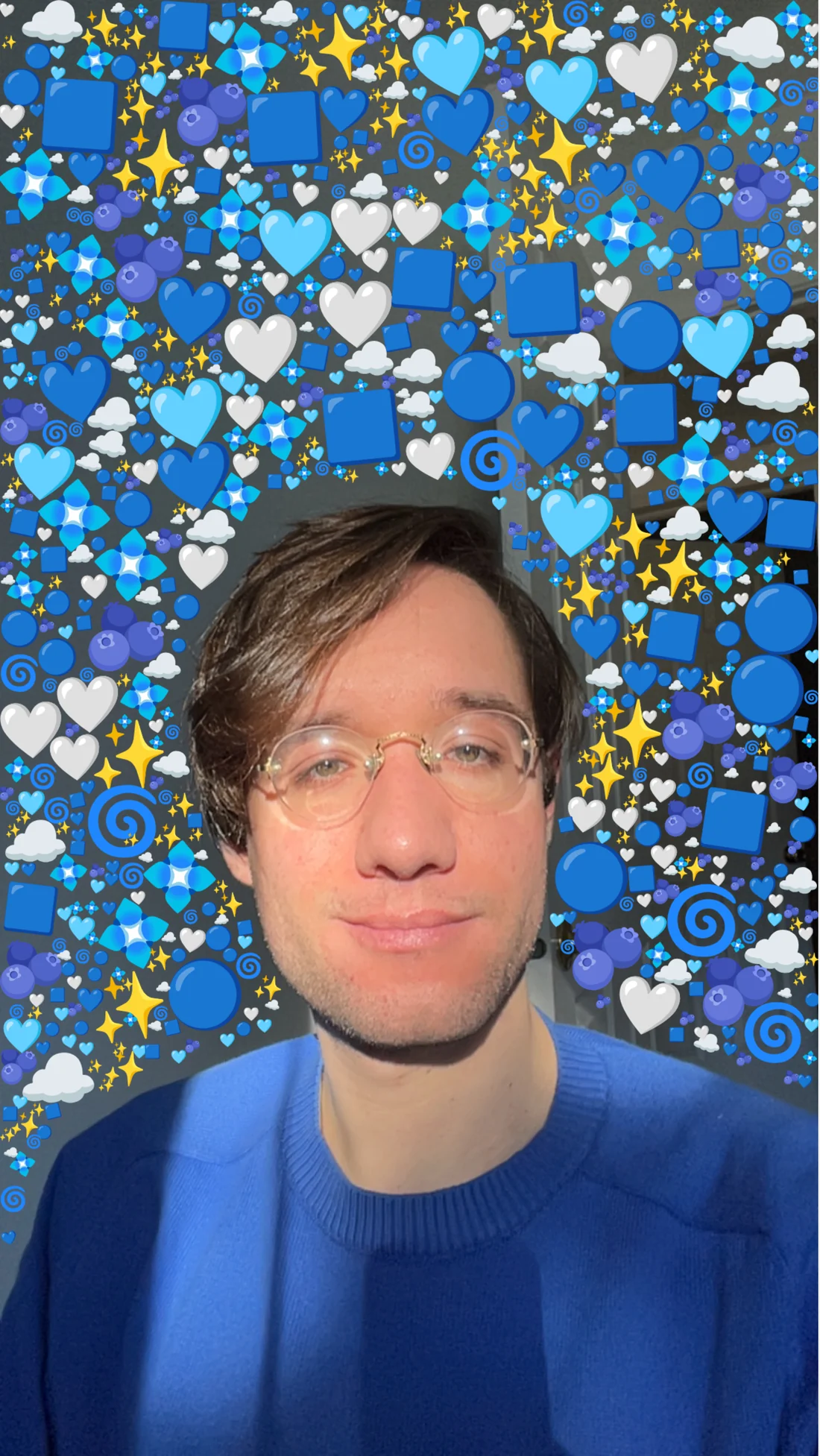
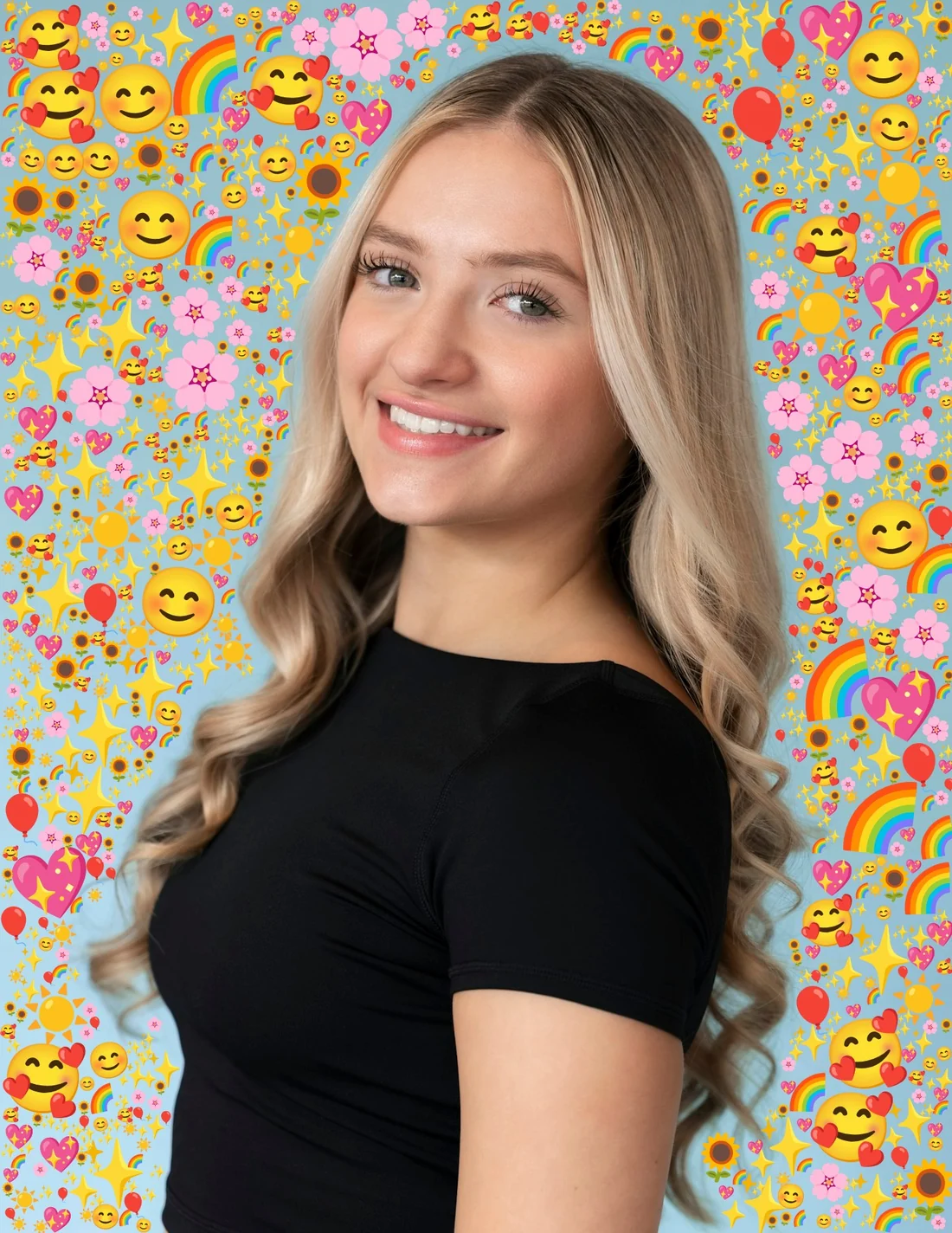
Emoji around a photo
Emoji Packer fills the space around the person in a photo with emoji. You load a photo, pick the emoji, pick a pattern and press Pack. Most patterns grow each emoji until it would touch a neighbor, the person or the edge of the frame.
Finding the person
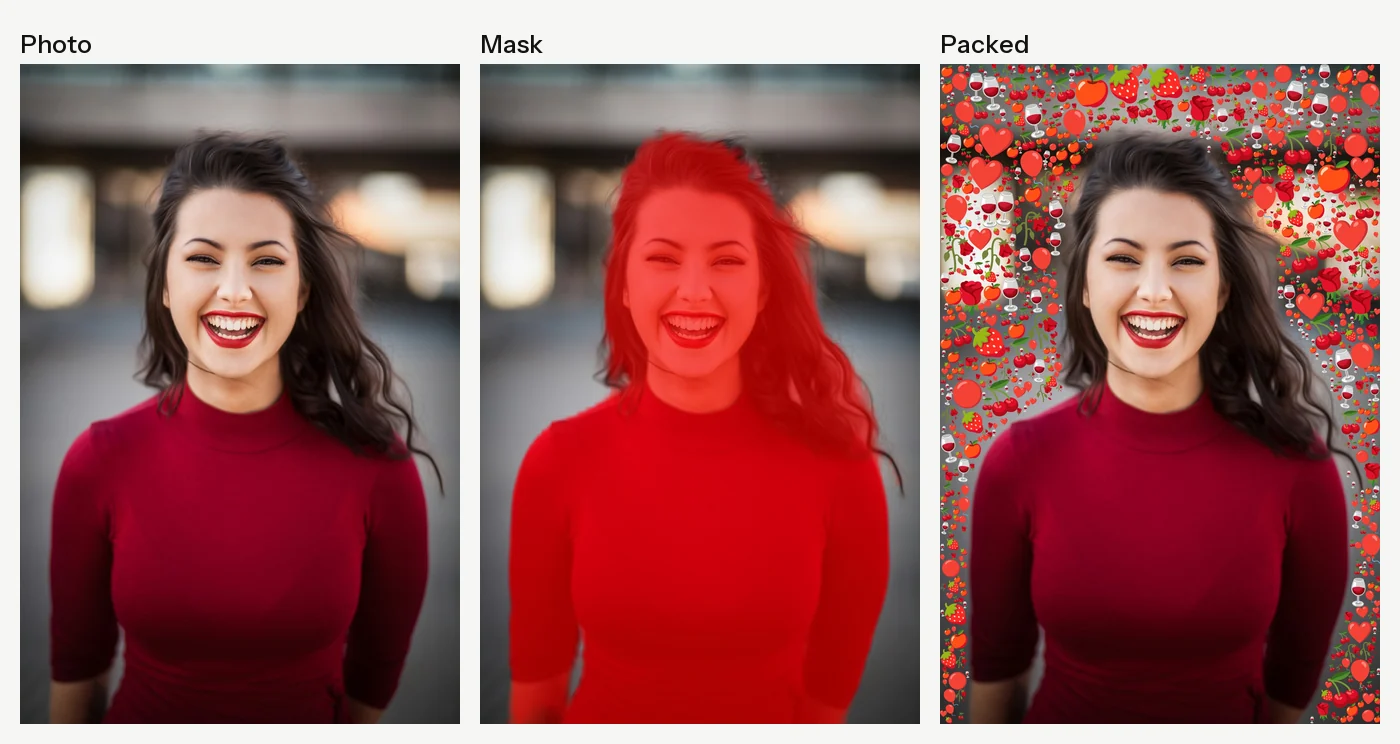
MediaPipe's selfie segmentation runs in the browser and returns a mask the size of the photo. Any pixel it scores above 100 out of 255 counts as the person, and no emoji can land there. When it gets an edge wrong, Edit Mask lays the mask over the photo in red, and a round brush erases or adds to it. Reset puts the model's version back.
Packing
Each pattern starts as a list of candidate points. The app shuffles them and visits them one at a time, skipping any point that's already taken. Each emoji gets a random turn of up to about 14 degrees. The app draws it off screen at the minimum size (20 pixels by default), with an outline twice the pixel gap wide, and checks every fourth pixel of that shape against a map of every pixel already used. If nothing overlaps, it steps up a size and tries again, through six sizes up to the maximum (100 pixels). The emoji keeps the last size that fit; if even the smallest overlaps, the point is skipped. Then the whole outlined shape goes into the map, so the gap around it stays empty.
The test uses the emoji's own pixels, so small emoji fill the gaps between big ones. Packing stops at the density you set (800 by default) or after ten times that many tries.
Eight patterns
The pattern decides where the candidate points are. Background uses every fourth pixel off the person. Border keeps to a band along the four edges, as deep as Border Width. Snake is the one pattern that goes onto the person: a band just inside the edge of the mask, as deep as Fill Depth. Checkers uses every other square of a checkerboard.
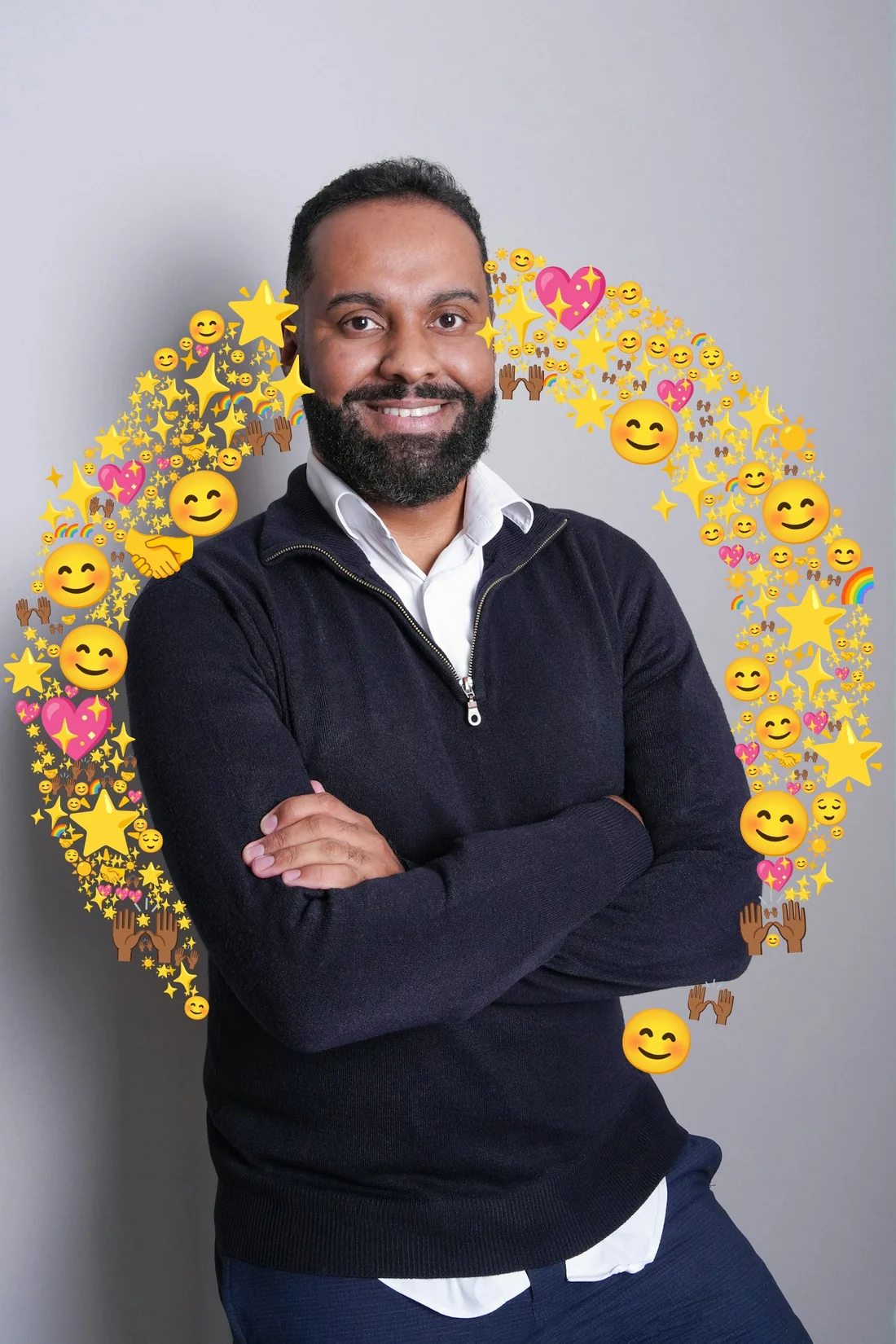
Circle Fill draws a circle at the center of the photo with a radius of 40 percent of its shorter side, and packs a band 200 pixels wide along it. On a centered portrait, that puts a ring of emoji around the head and shoulders.
Grid, Rings and Spiral lay emoji along fixed paths with no collision test. Grid steps by the maximum size plus the gap and gives each cell a random size. Rings draws circles around the center (Ring Count, five by default), with emoji that get bigger toward the outside. Spiral starts near the center with the largest emoji and winds outward as they shrink, and Spiral Tightness sets the space between turns. On both, each emoji turns to follow the curve.

Six palettes for every photo
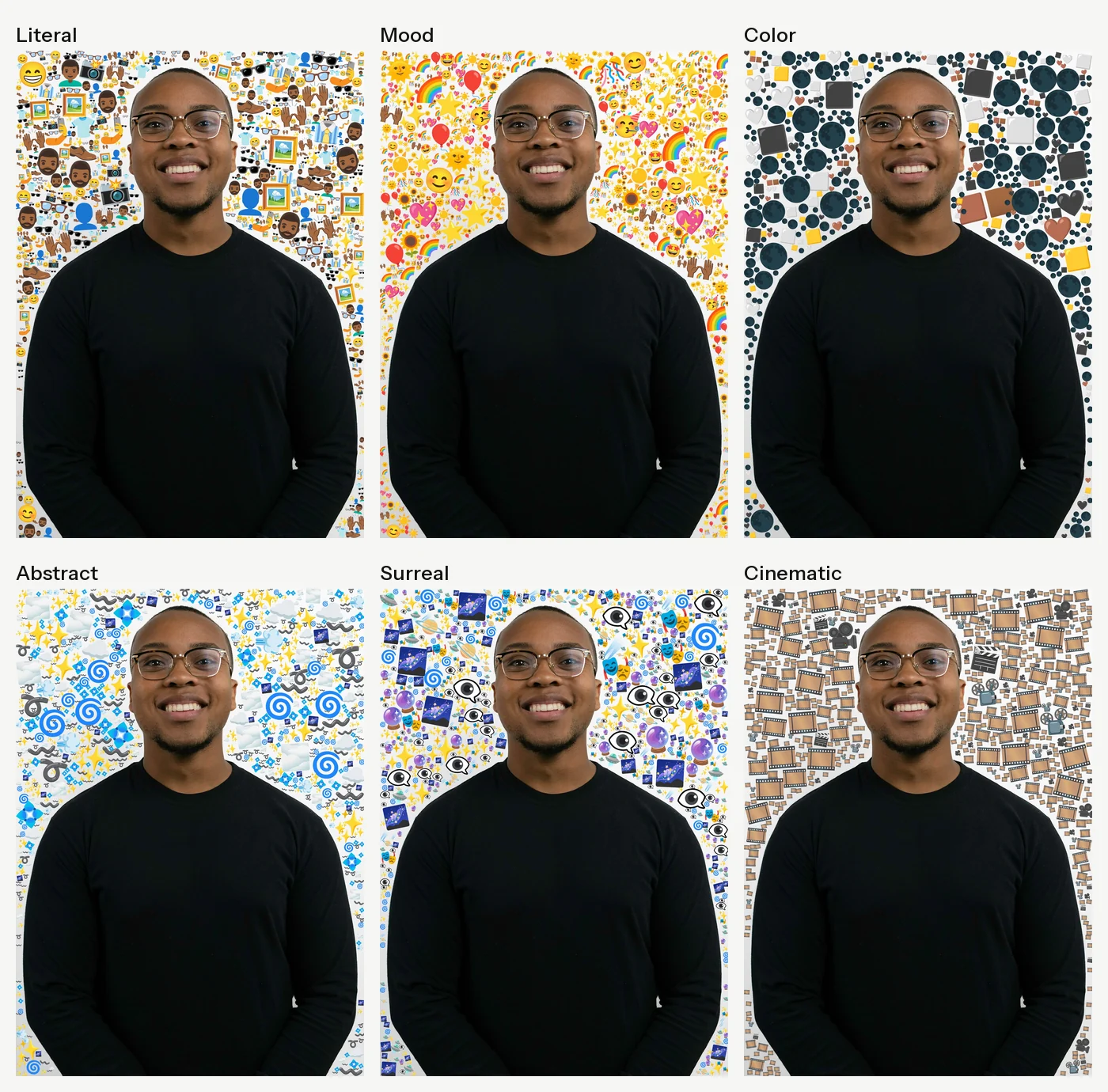
When a photo loads, an AI model looks at a 512-pixel copy and suggests six palettes: Literal, Mood, Color, Abstract, Surreal and Cinematic. They go from what's in the picture to ideas around it. For the portrait below, Literal came back with glasses, cameras and faces, Color with dark moons and black, white and brown squares, and Cinematic with film frames and clapperboards.
The model also suggests five keywords. Clicking one, or typing your own word, asks for a new palette built around that word, plus another keyword to follow it with. Emoji Count sets how many emoji each palette holds, from 1 to 50. You can also type emoji straight in. The app splits what you type with Intl.Segmenter, so emoji made of several characters stay whole.
Color modes
Choose Color builds the palette from a rule: Rainbow Spectrum, Solid Color, Linear Gradient or Radial Gradient, with one color picker for Solid and two for each gradient.
Every emoji has a color on file. A headless browser drew each Noto emoji once at 109 pixels, and a script split its opaque pixels at the median brightness and averaged each half. The app uses the point halfway between those two colors. Of 5,131 entries, 1,855 single emoji are left once sequences, skin tones and duplicates are dropped.
For each slot in the palette (Emoji Count sets how many), the app picks a target color along the ramp and takes the closest emoji it hasn't used yet. Rainbow and Linear lay them out in bands from left to right, Radial in rings from the center, and Solid at random. Force Unique Emoji In Image works spot by spot: it finds the exact color the ramp wants at that point and picks at random from the 20 closest emoji not yet used anywhere in the image.

Size, gap and font
Size takes a minimum and a maximum, or one fixed size with Uniform checked. Pixel Gap sets the empty space around every emoji, from 0 to 50 pixels. Font switches between Noto Color Emoji and the system's own emoji. Segmentation and packing run in the browser at the photo's full resolution.
Built with
React and Vite, MediaPipe Selfie Segmentation and Noto Color Emoji. The portraits other than mine are from Unsplash.